
Three choices in Settings. The language and the look are for this iPhone. The units are for your account.
Short answer
Tap Baby, then Settings at the bottom right. Then tap App language, Appearance or Units.
Veilleuse is for iPhone.
Open Settings
- Tap Baby at the bottom right of the screen.
- On the baby screen, tap Settings at the bottom right. It has a gear.
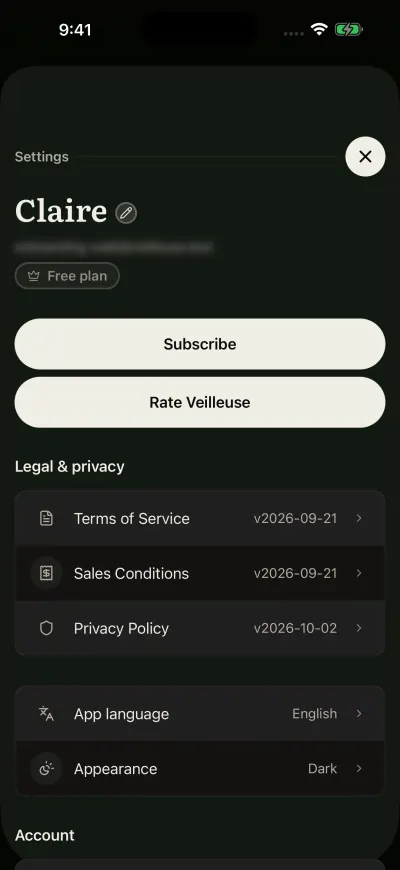
Settings. Your plan shows under your email.
The language
- Tap App language.
- Tap a language. Or tap System default to follow your iPhone’s language.
- The page closes and the app changes language at once.
Veilleuse speaks English, French, German, Spanish, Italian and Portuguese. This choice is for this iPhone only.
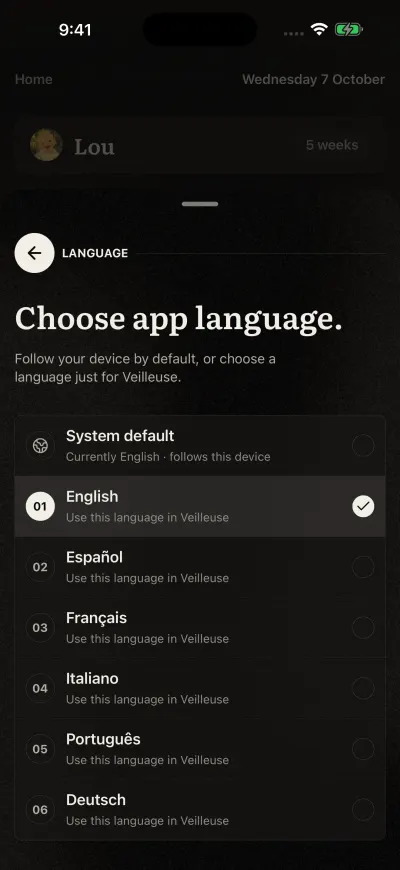
Tap a language. The app changes at once.
Light or dark
- Tap Appearance.
- Tap System, Light or Dark.
The whole app changes colour at once, and the page stays open so you can see it. System follows your iPhone, light by day and dark at night if your iPhone does that. This choice is for this iPhone only.
The sign-in screen and the first screens are always dark, whatever you choose.
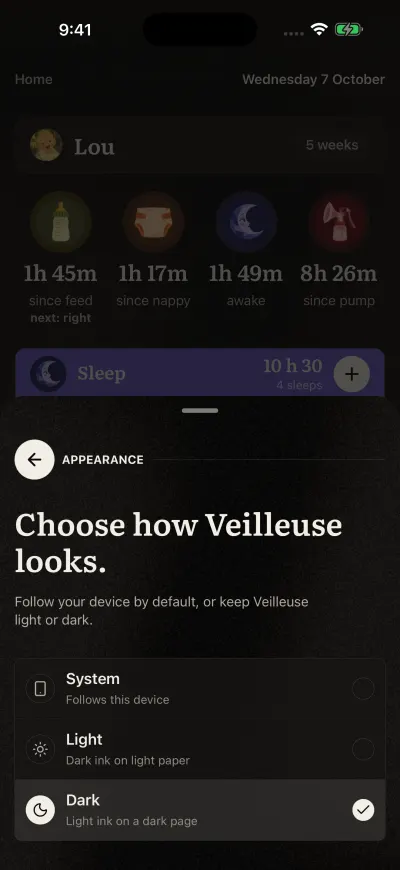
Tap a choice. The colours change at once.
The units
- Tap Units, near the bottom.
- Tap Metric (ml, kg, cm) or Imperial (oz, lb, in).
- The page closes.
Nothing you logged changes. Every bottle and every measure shows in the new units at once. The units belong to your account: your partner can choose their own.
If you see Could not save your units. Please try again., the page stays open. Check your connection and tap your choice again.
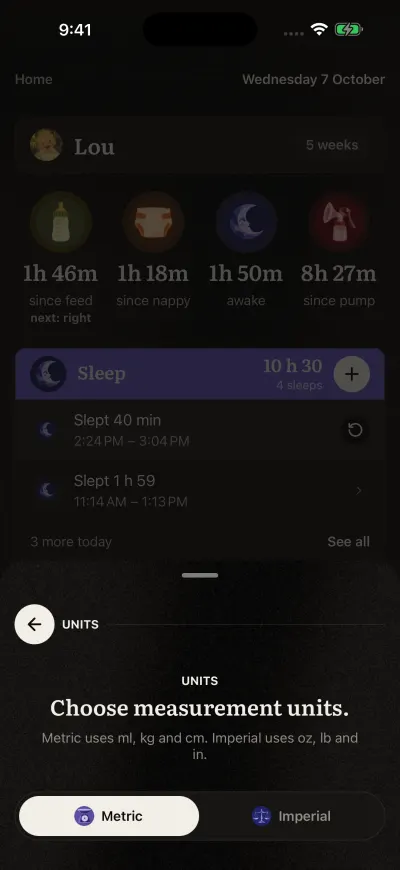
Metric or imperial, for the whole family.