
An email, a name and your mixes. Not much more.
Short answer
Your account keeps your email, the name you chose, your subscription status, the documents you accepted, and your mixes, playlists and likes. Downloaded sounds stay on your phone. The full Privacy Policy is in Settings.
In your account
- Your email address, to sign in. There is no password. With email, we send you a 6-digit code.
- The name you chose, shown in Settings.
- Your subscription status: free, active or lifetime.
- Which version of each legal document you accepted, and when.
- Your saved mixes, your playlists and your likes.
If you sign in with Apple, Berceuse asks Apple for your email only, never your name.
On your phone only
- The sounds you downloaded.
- Your choice of app language.
Crash reports
When the app crashes, it sends a crash report so we can fix the problem. It does not carry your name or your email.
Read the full documents
- Tap Settings in the bar on the left.
- Under Legal & privacy, tap Privacy Policy.
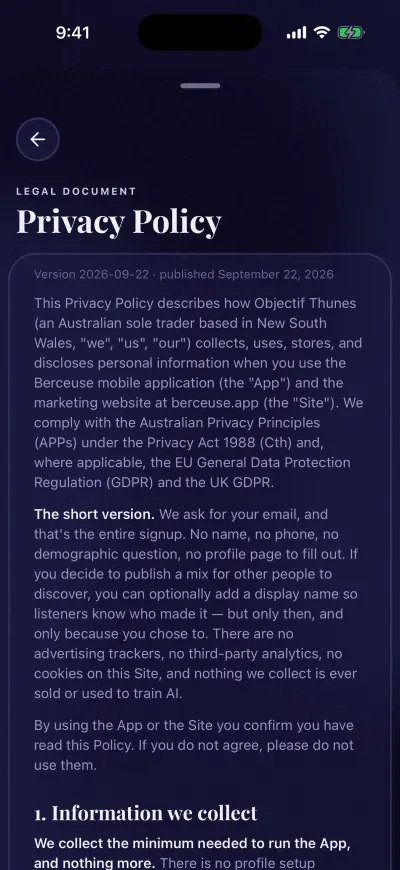
Each document shows its version and date.
If you see We could not load this document. Check your connection and try again., check your connection, then tap Try again.
Remove everything
You can delete your account and all its data yourself, at any time. See Delete your account.
Did this fix it?No, ask us