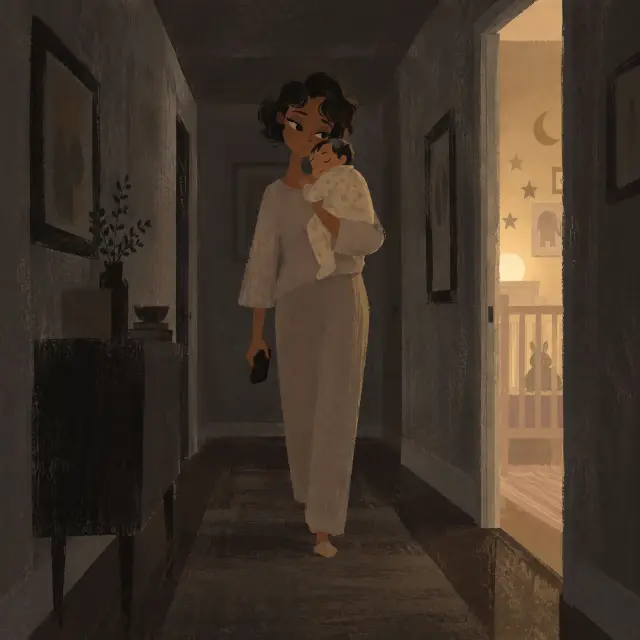
The tour is the real app, with a guide who shows you one button at a time. It is practice: nothing you do in it is saved.
Short answer
Tap the button the guide lights up, and the tour moves on. To leave it, tap Skip at the top right.
Veilleuse is for iPhone.
How the tour works
After your baby’s screen, Veilleuse shows its real screens with a sample week for your baby. A guide with a round face points at one button. A warm light glows behind it and a fingertip shows the tap.
- Only the lit button moves the tour on. Other buttons do nothing during the tour.
- When you touch the screen, the guide steps away. It comes back after a few seconds.
- Nothing you log in the tour is saved. Your diary starts empty.
- You don’t need to speak. The microphone stays off.
At the top of the screen, the dots show your step. Skip is at the top right.
Step 1: the + button
The guide says Add what just happened Tap the round + in the bar at the bottom of the screen.
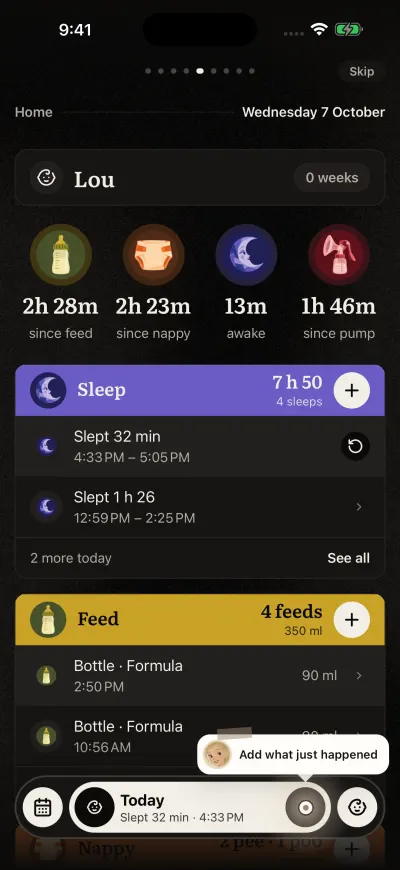
The tour shows you where to tap.
Step 2: say it
A page slides up. The guide says Tap and say and shows a sentence about a bottle.
- Tap the microphone. The sentence writes itself, as if you had said it.
- A card shows the bottle. The guide says Looks right? Save it
- Tap the save button the guide points at. The page slides down.
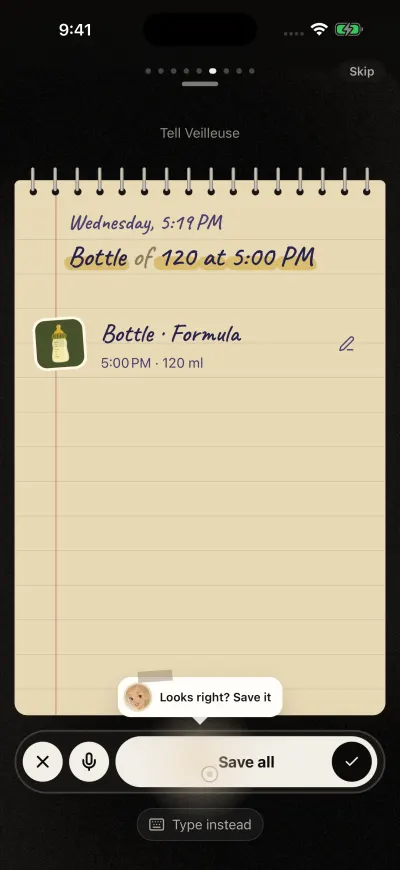
The tour shows a sentence and what Veilleuse makes of it.
Step 3: a timer and the lock screen
- The guide points at the + on the Sleep card and says your baby has fallen asleep. Tap it.
- The guide says Tap Start now Tap the start button.
- The sleep runs on Home. A moment later, a picture of the iPhone lock screen appears, with the running sleep.
- The guide says Stop it from here Tap the stop button on that lock screen.
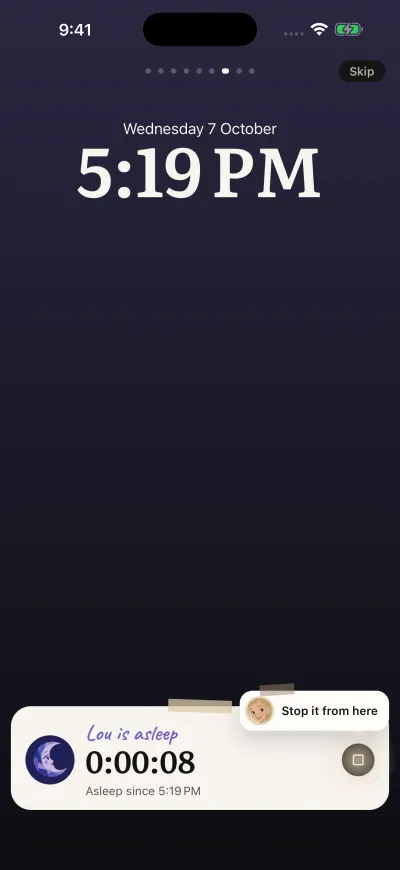
A practice lock screen. Tap the stop button.
Step 4: ask
- The guide says Now ask your diary Tap the + in the bar again.
- The guide says Tap a question Tap one of the questions.
- The answer shows. After a few seconds, the page slides down.
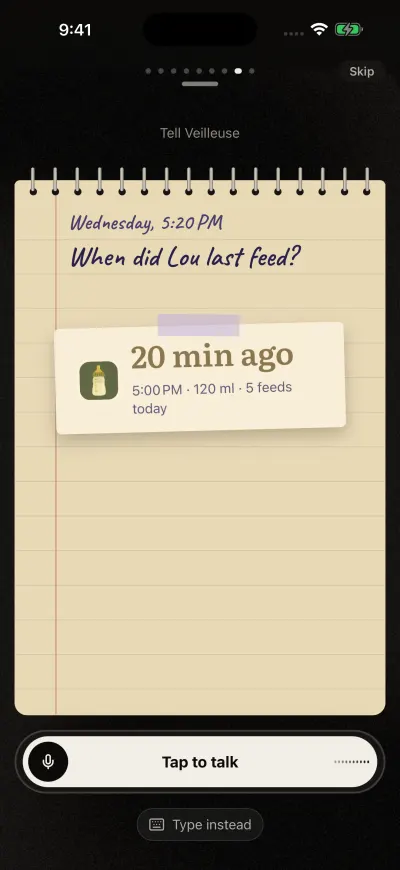
Ask a question. The answer comes as a note.
Step 5: the week
- The guide points at the calendar square at the far left of the bar. Tap it.
- The week fills in, one day at a time.
- The guide says Tap today. What you logged is in it Tap today’s column in the chart it points at.
- Today’s entries open. Handwritten notes show you timed it and you said it next to what you did.
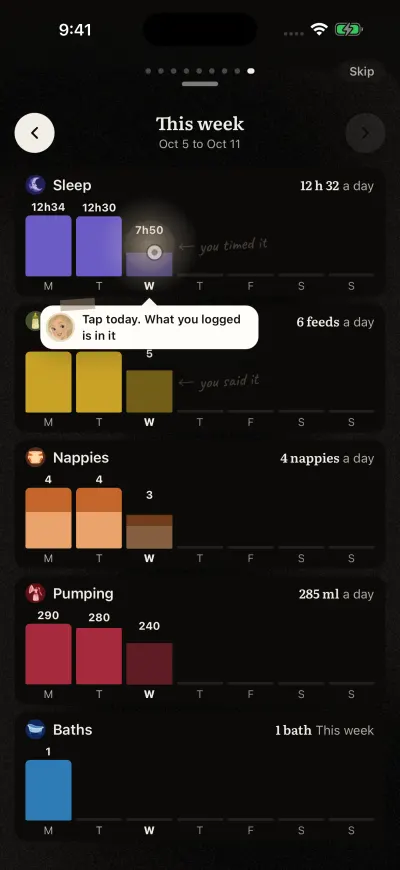
A sample week, built in front of you.
Step 6: the guides and Ask
- The guide says Swipe here for guides and Ask Slide the bar at the bottom to the left.
- The bar shows its second side. The guide says Now tap Ask Tap Ask in the middle.
- A practice question about baby poo is asked, and Claire answers it with a guide.
- The guide says Open the guide Tap the guide. It opens.
A card at the bottom says That is it. Your diary is ready. Tap Continue.
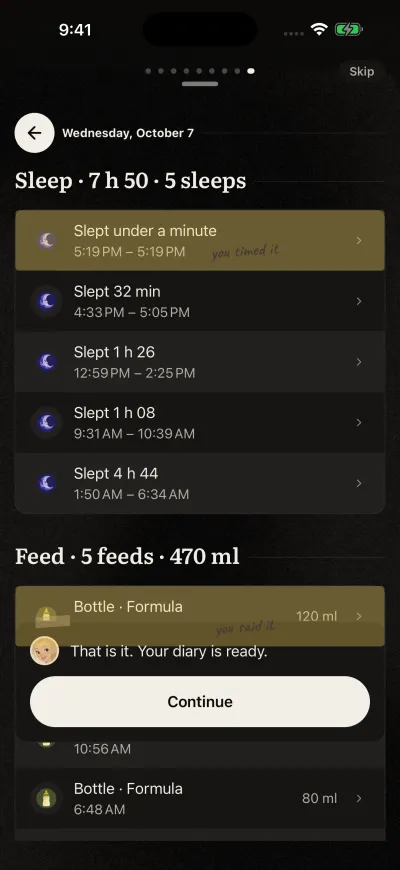
The end of the tour. Tap Continue.
Go back a step
Slide your finger across the screen from left to right. The step before opens again, from its start. From the first step, this takes you back to your baby’s screen.
Skip the tour
Tap Skip at the top right, at any step. Without a subscription, the next screen is the plans screen, with Continue free under the big button. Otherwise your diary opens.
Watch it again
The tour shows once per account. There is no button to watch it again later. If you close the app before the end of the tour, it starts again from the welcome screen next time.