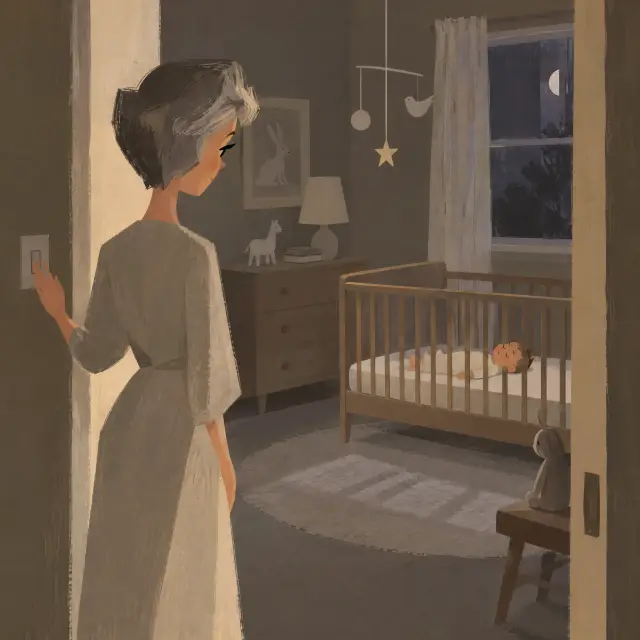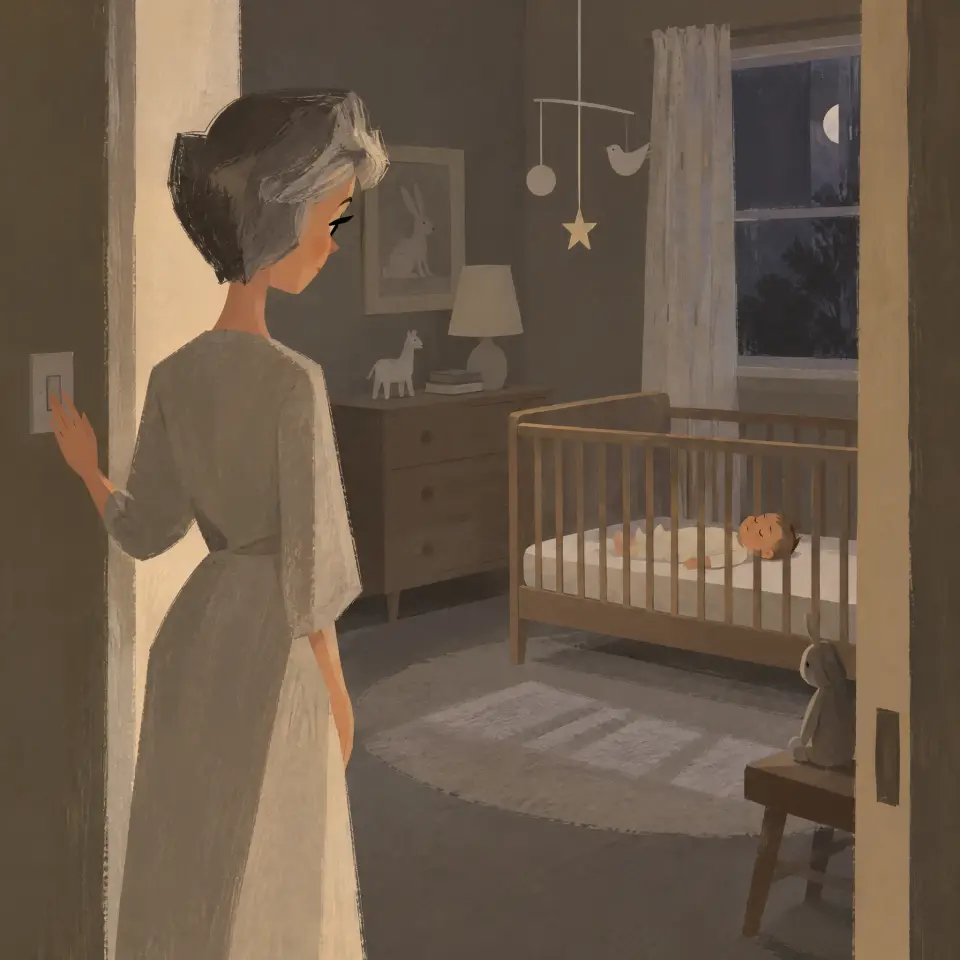
We keep what the diary needs, show it only to your family, and never sell it.
Short answer
Your entries are shown only to you and the family you invite. They are never sold, never shared with advertisers and never used to train AI. Read the full policy in Settings, under Legal & privacy.
Veilleuse is for iPhone.
What we keep
These points come from our Privacy Policy.
- Your email, to sign you in. There is no password.
- Your name in the app, if you set one. Your family sees it next to what you log.
- What you log for your baby: feeds, sleep, nappies and the rest, and your baby's picture if you add one.
Your baby's entries are never sold, never shared with advertisers, and never used to train AI. There are no advertising trackers in the app.
Who sees it
Only you and the people in your family. Nobody else sees anything about your baby.
Your voice
When you log by voice, your iPhone turns what you say into text. We never receive the sound. The text goes to our server, where an AI model turns it into draft entries. You check them before anything is saved. We do not keep the text or the sound. Your questions to Claire are not kept on our server either. They stay on your phone, and signing out deletes them.
Payments
Apple takes the payment. We never see your card.
Crash reports
When the app crashes, it sends us a technical report so we can fix it. It holds no name, no email and nothing from your diary.
Read the documents
- Open Settings: tap Baby at the bottom right, then the gear in the same place.
- Under Legal & privacy, tap Privacy Policy, Terms of Service or Sales Conditions.
- The document opens. Its version and date are under the title.
- To go back, tap the round arrow at the top left.
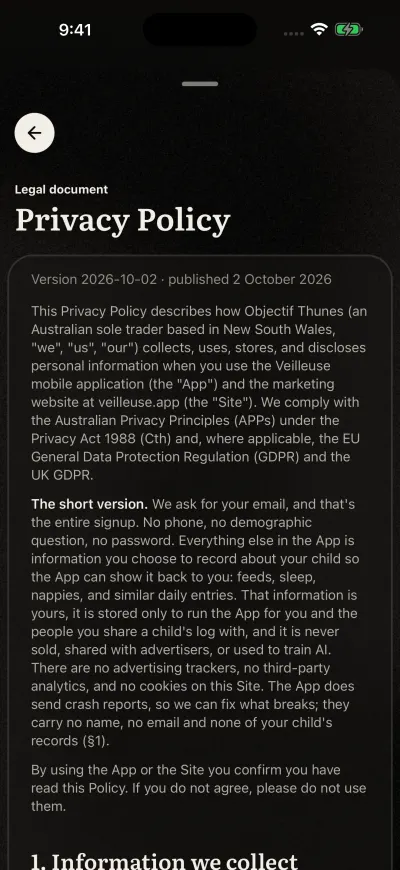
Each document shows its version and date.
If it says We could not load this document. Check your connection and try again., check your Wi-Fi or mobile data, then tap Try again.
When we change a document, Veilleuse shows We updated our legal documents Tap a document in that message to read the exact version you are asked to accept, then tap Accept and continue.
The Privacy Policy is also on the web: veilleuse.app/privacy.
Ask for your data, or its deletion
- Take your diary out yourself: tap Baby, then Export to a spreadsheet.
- Delete any entry, any baby or your whole account at any time. See Delete your account.
- For anything else, email contact@objectifthunes.com with the subject "Privacy request". We answer within 30 days.