Quick answer
How do I change my name?
- Tap Settings in the bar on the left.
- Tap your name at the top, with the small pencil.
- Type the new name. Up to 50 letters.
- When you are done, tap anywhere else on the screen.
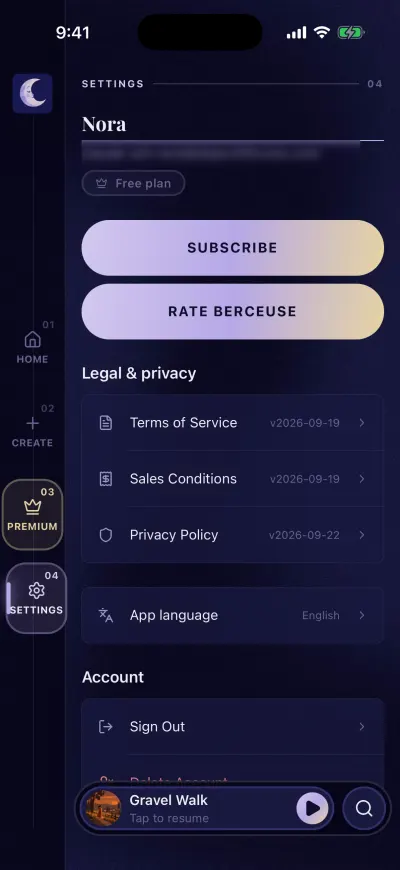
Type your new name.
If the old name comes back, the app could not save it. Check your connection and try again.
Read the full guide: Your Settings screen, row by row →
Still stuck?
Ask us and follow the steps, or send it to a person. We attach what you read.
Did this fix it?No, ask us