Quick answer
How do I switch to my other baby?
- Tap Baby at the bottom right.
- Tap Switch baby, next to your baby’s name.
- Tap the other baby in the list.
Home, the week and the baby screen now show that baby.
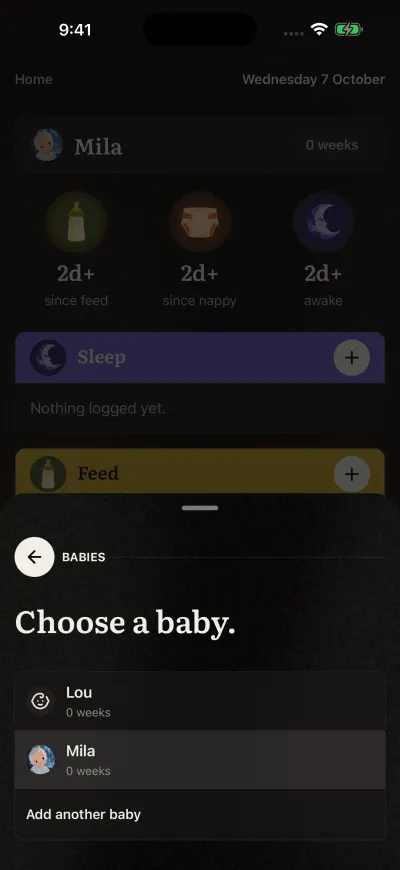
Tap the baby you want.
Read the full guide: Switch between your babies →
Still stuck?
Ask us and follow the steps, or send it to a person. We attach what you read.
Did this fix it?No, ask us